
Resources & Support
Access Patient Images
Contact our Medical Liaison Officers to assist you for urgent report or image access.
There are several different ways you can conveniently access patient reports and images online:
- Via InteleConnect EV (Capital Connect) our online portal
- Via InteleViewer on desktop computer
- Delivered to your practice management system via Healthlink
For each of the options listed there is a unique set-up process.
Patient reports can also be faxed to your practice upon request.

Apply for Access to Web Portal
InteleConnect EV (Capital Connect) is an online portal that streamlines the entire doctor-patient interaction. It allows you to access reports and images faster, on any device, any time.
For access to our online results image portals, please complete the form below.
"*" indicates required fields
Online software we offer
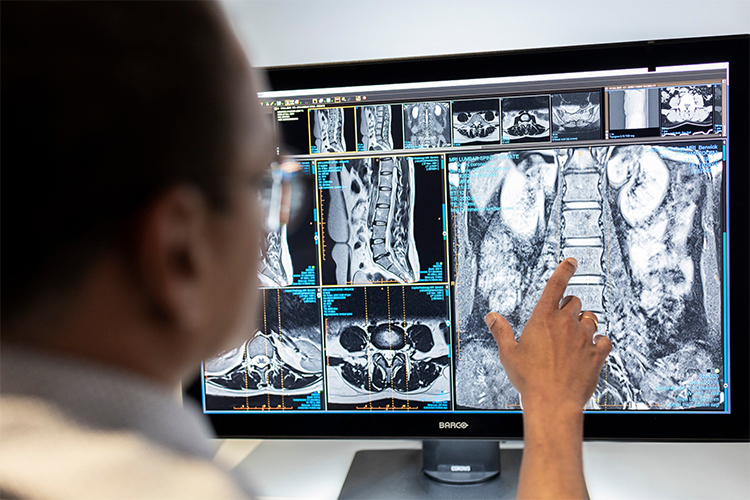
Capital Radiology provides secure and convenient access to patient images online through the Intelerad software.
If you do not have an account, please contact our Medical Liaison Officers to request access. Please include your full name, provider number, speciality and practice address in your request.
This Intelerad software has 2 viewer options:
-
InteleConnect
Offers easy, user friendly access to Capital Radiology images and reports, while leaving zero-footprint on your computer. Because it is zero-footprint, Inteleconnect has limited tools available for image manipulation. You can usually set this up on your computer yourself, please contact us if you would like instructions on how to do this. We’re always happy to visit your practice and do this for you. If you’re already registered to access patient reports and images via InteleConnect, simply click here to login.
Resources
-
InteleViewer
Provides more detailed images with many tools available for image manipulation. The InteleViewer program needs to be installed on your computer. Please contact us if you would like to organise this.
Resources
Download reports to your practice management software
Capital Radiology offers an efficient and reliable way of delivering reports directly to your practice management software via HealthLink.
To set up HealthLink at your practice or to have reports delivered via your existing Healthlink Electronic Data Interchange (EDI) number please contact: connectsupport@capitalradiology.com.au